Leakage Detection Mode
Overview
The Leakage Detection Mode is a feature that allows you to detect leaks in your water network.
It behave as if you awere above the flowbox, looking at the flowmeter and being able to see if the metering is increasing or not.
If the metering is increasing, it means that there is a leak. If it's stable, it means that there is no leak.
Activation and disactivation of the leakage detection mode is recorded and visible in the Activities tab.
Enable/Disable the Leakage Detection Mode
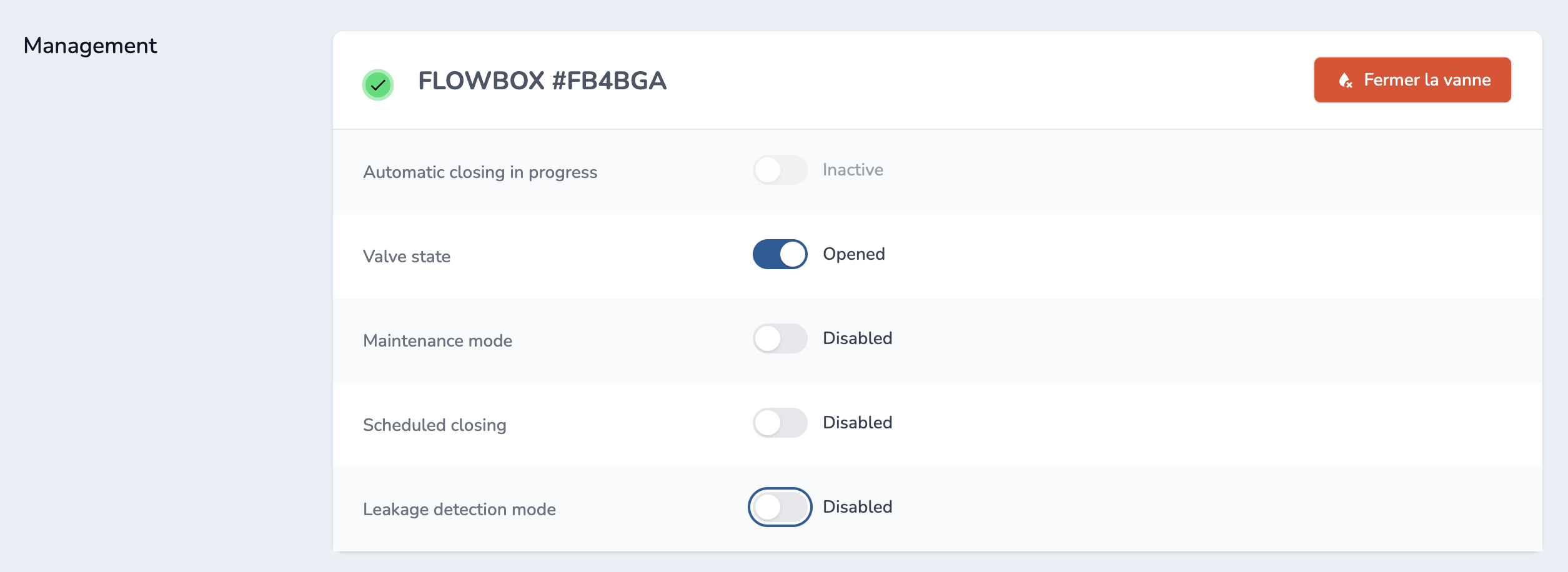
To enable the "Leakage Detection Mode", you need to go to the given Zone, then on the Flowobx tab and click on the toggle on the Leakage Detection mode line.
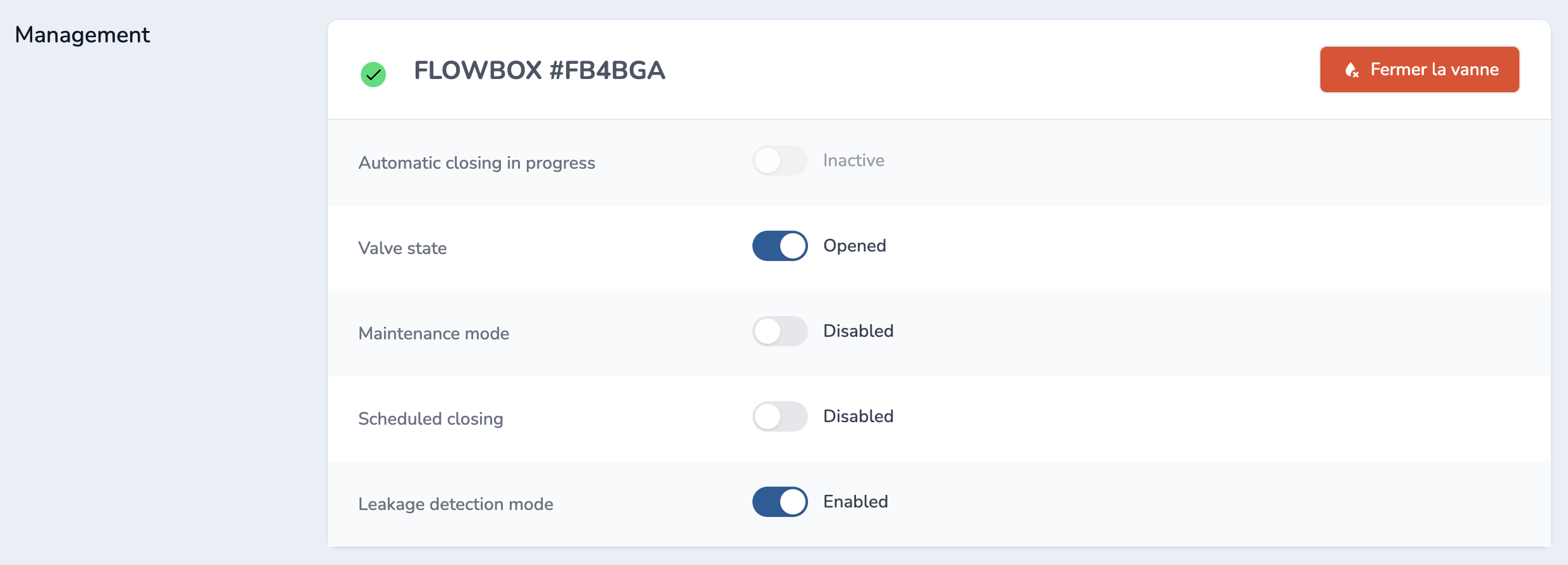
To disable the "Leakage Detection Mode", click on the toggle on the Leakage Detection mode line.
How it works
Once you enable the "Leakage Detection Mode", the flowbox will start to compare the flowmeter reading with the previous reading. If the flowmeter reading is higher than the previous reading, it means that there is a leak.
If after a few minutes, you have an alert, it means that there is a leak. You will have to investigate in the given Zone where the leak could be.
If after 5 minutes, you have no alerts, it means that there is no leak. You can then disable the "Leakage Detection Mode".