Site and Site Managers
Overview
A Site is an intermediary level which allows to regroup Buildings to match Customer's organisation.
A Site is associated with a given Customer.
For each site, 1 to n Site Managers can be promoted. Site Managers can only access and manage items from their Site. They can't intervene on other Sites.
| Feature | Site Manager |
|---|---|
| Manage Sites | Can only edit info for its own Site |
| Manage Site Managers | Only related to attached Site |
| Manage Buildings | Only related to attached Site |
| Manage Zones | Only related to attached Site |
| Manage Flowboxes | Only related to attached Site |
| Manage Subscriptions | Only related to attached Site |
For a detailed presentation on organisation and permissions, refer to Customer and Customer Manager Page.
Site Management
As an Administrator or Customer Manager, you can manage Sites once you are in the Customer view.
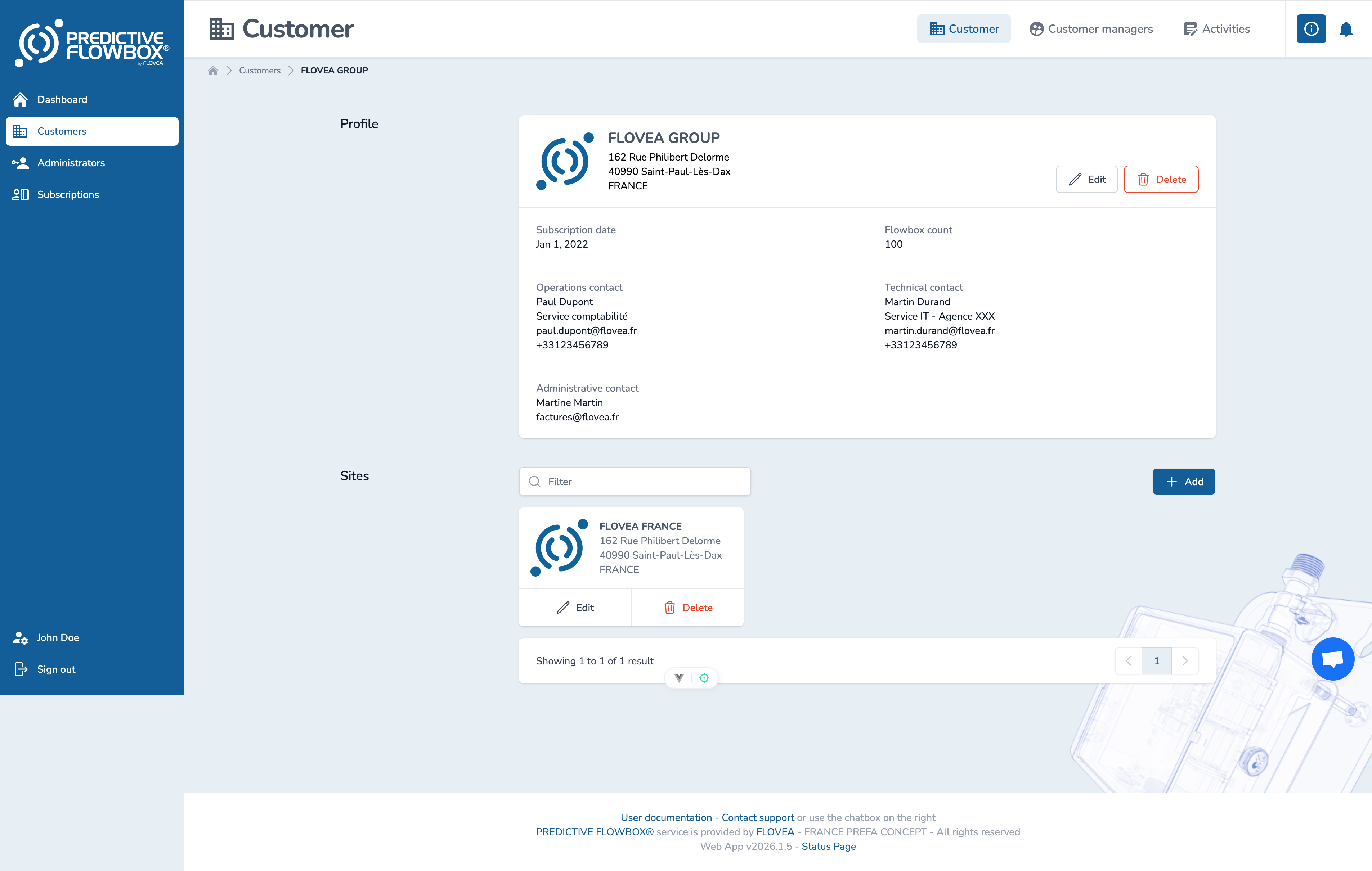
If you click on a Site, you will access its content or you can Edit or Delete the Site (and all its related content)
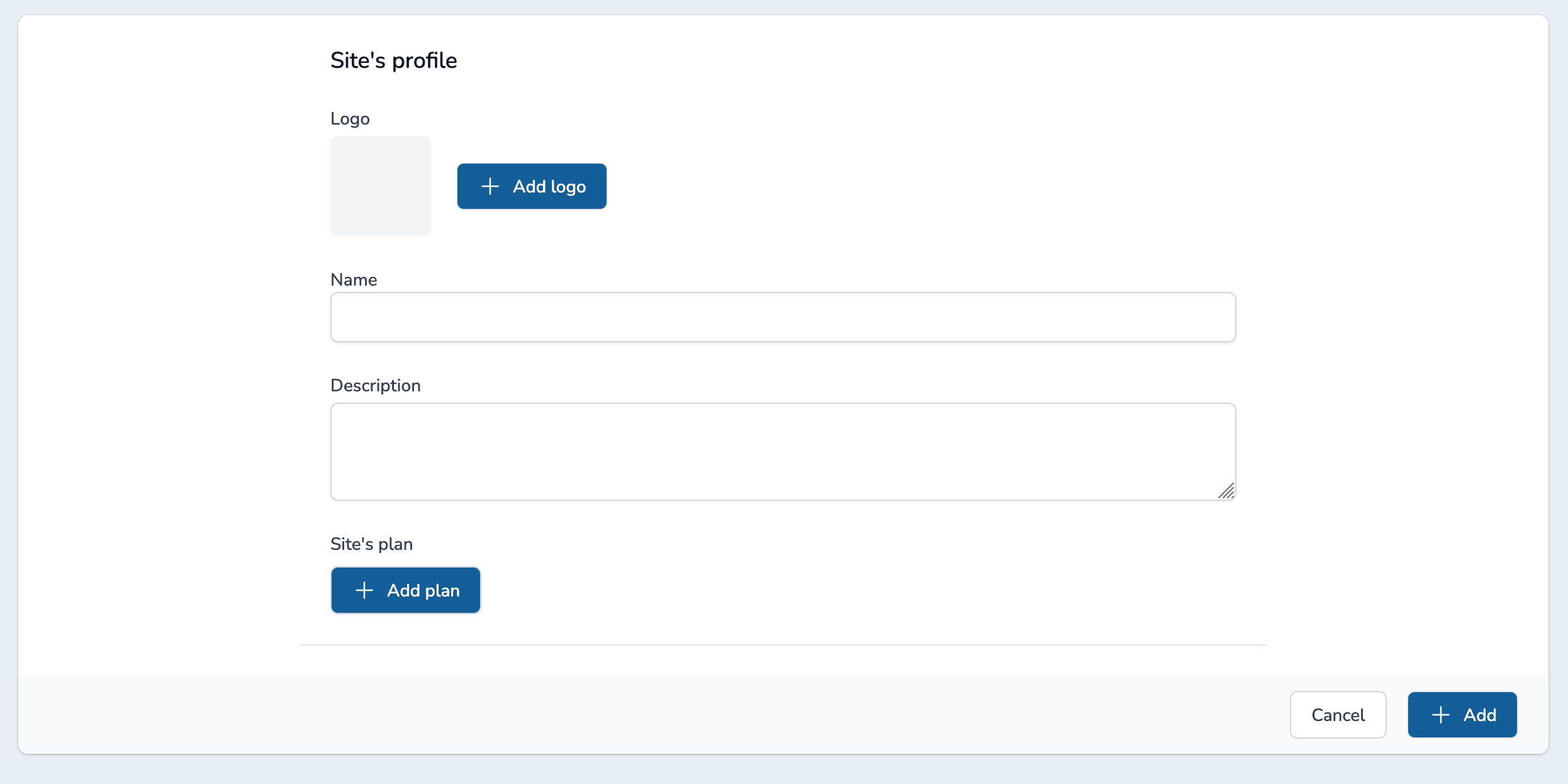
A Site is defined as follows:
- Name
- Logo (option)
- Description
- Site plan : you can upload a plan of the site to ease navigation and maintenance
Site Manager
Site Managers are users with global permissions for a given Site :
- Update its own Site information
- Access and manage Buildings, Zones and Flowboxes
- Manage Users (Site Managers)
- Manage Subscriptions
You can manage Site Managers from the Site Managers tab in the top right corner of the page.

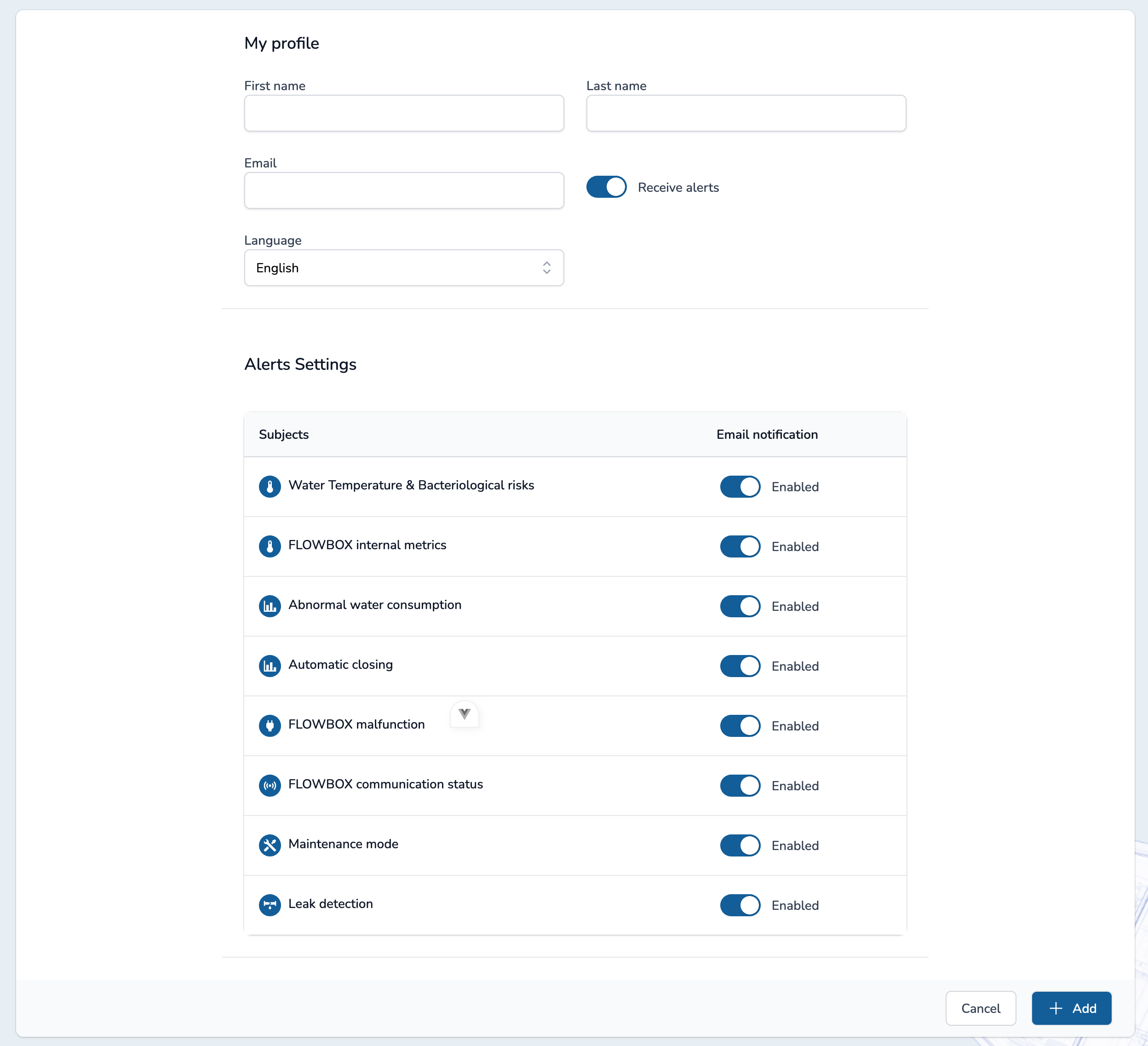
A Site Manager account only requires :
- First name
- Last name
- Language: French or English
- Receive Alerts : yes/no - if yes, user can select the alerts he wants to receive.
TIP
Password will be chosen by the user, after clicking on welcome's email.