Scheduled closing
Overview
Scheduled closing is the ability to schedule the closing of a flowbox for a specific period of time. This closing can be used to prevent water consumption during certain hours, such as during maintenance or cleaning. It can be set for a specific day or for a recurring period.
With scheduled closing enabled, valve control changes
Once scheduled closing is enabled, you no longer can manually open/close the valve. To do so, you must enable the maintenance mode so that you can open/close the network as expected.
Setup
Go to a given Zone and in the Flowbox tab. In Management section, enable the Scheduled Closing option.
Once enabled, a new section will appear where you can set the closing schedule.
As mentionned previously, once scheduled closing is enabled, you no longer can manually open/close the valve. The related option are disabled (Valve state line and Close the valve red button).
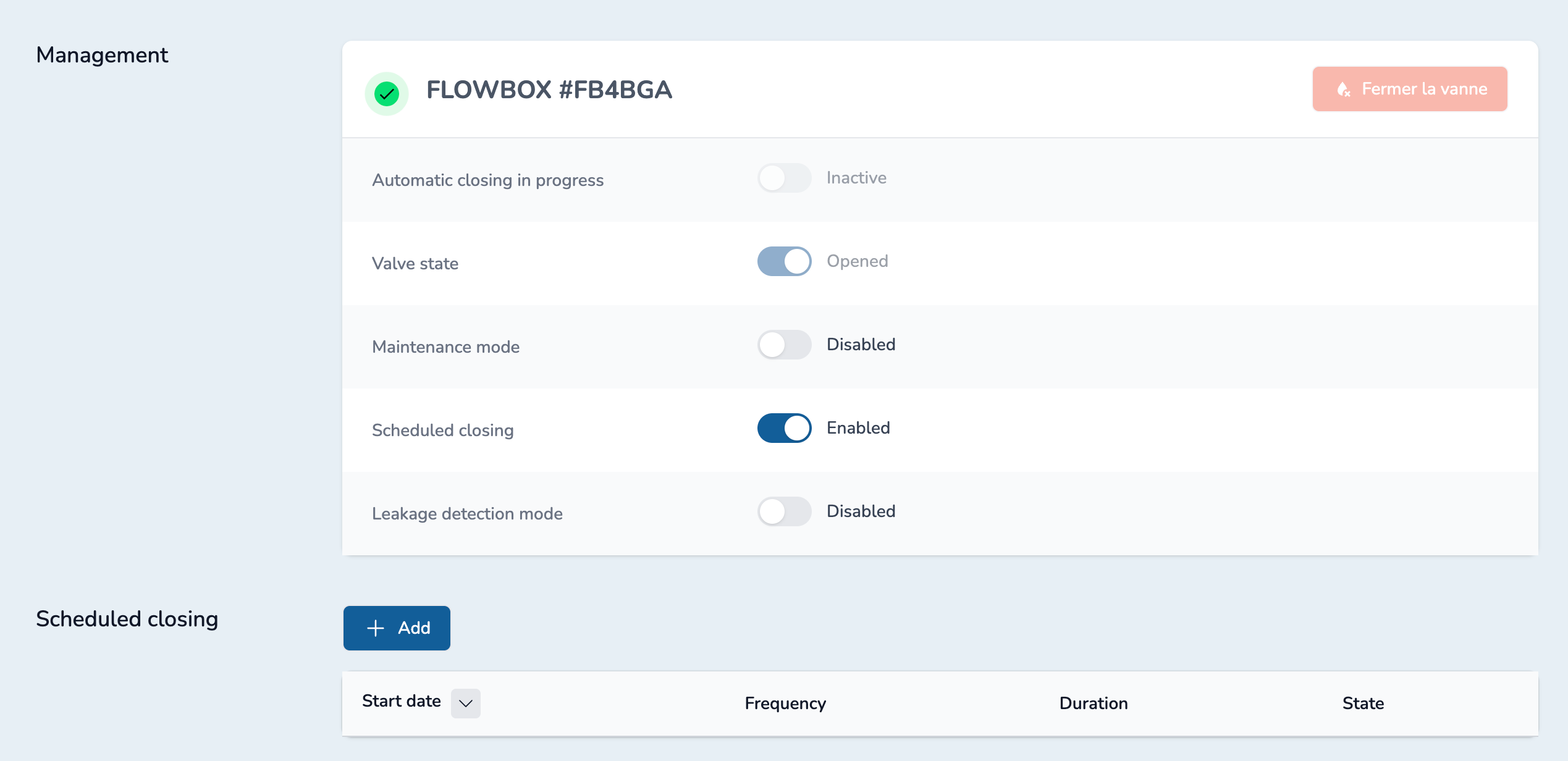
Click on "Add" button to fill the form and add a new closing schedule.
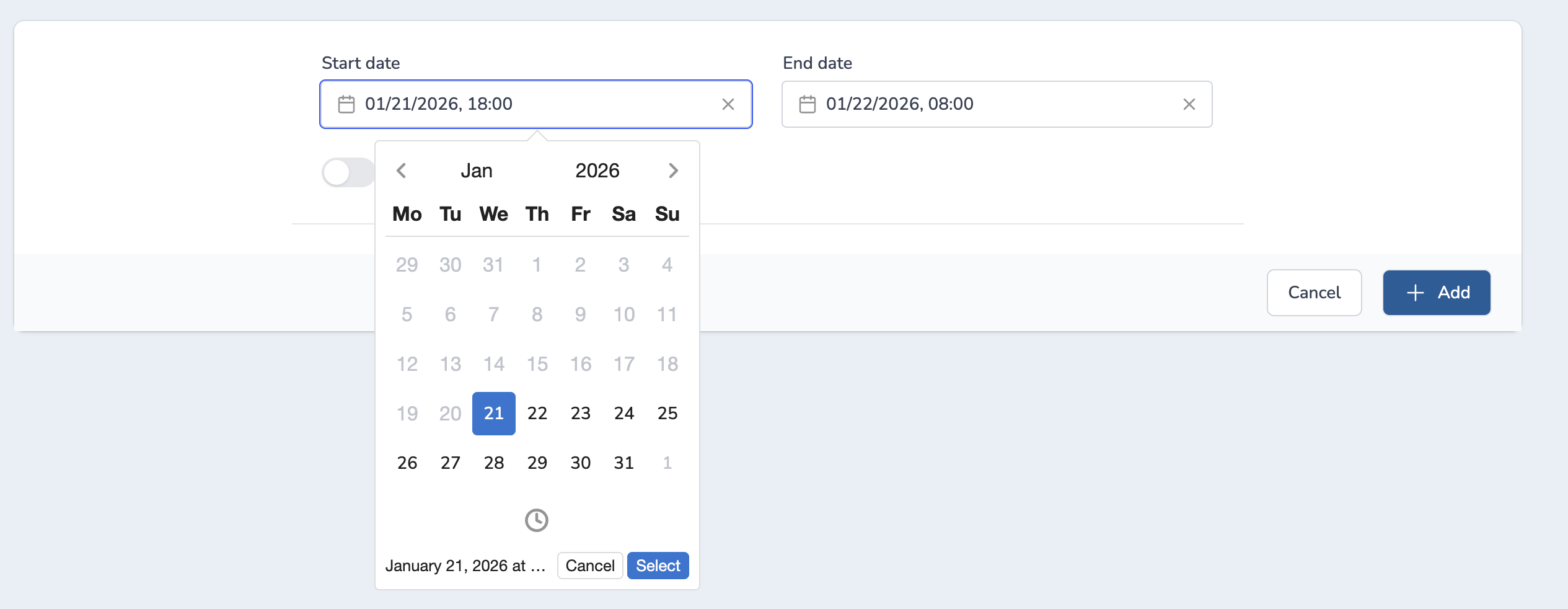
TIP
Use the clock icon to access the time picker
Validate your selection with the select button. Otherwise, it will not be updated accordingly.
If required, you can set a recurrence by enabling the Recurring option and selecting the frequency (daily, weekly, monthly, yearly) in the list. If you don't set a recurrence, the closing will be applied only once.
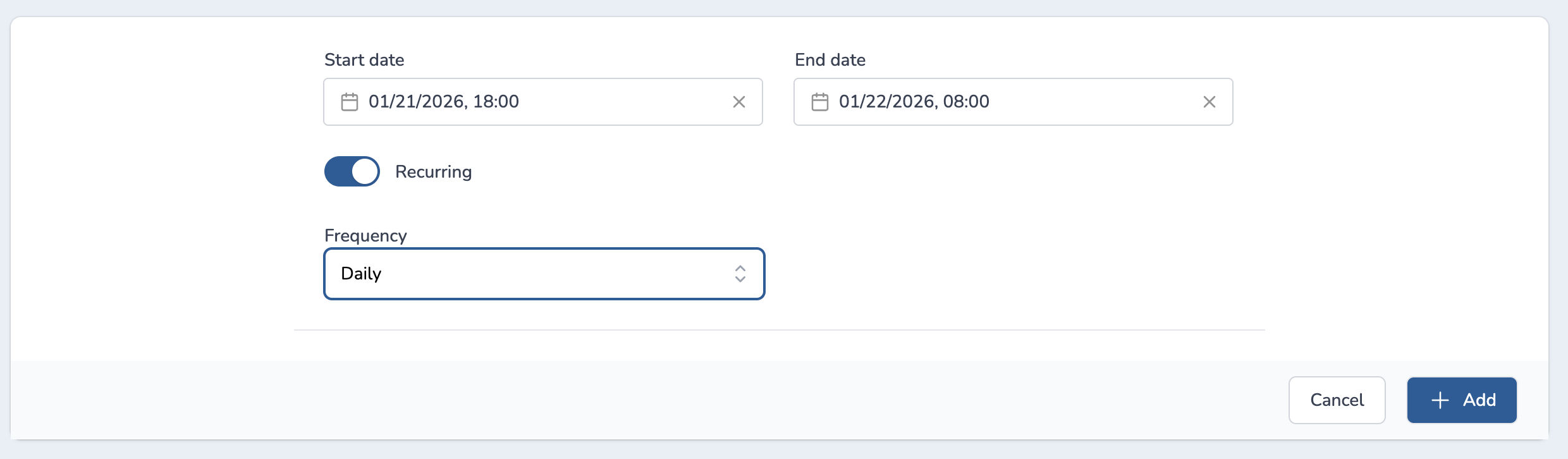
Once all fields are filled, click on the "Add" button to save the scheduled closing.
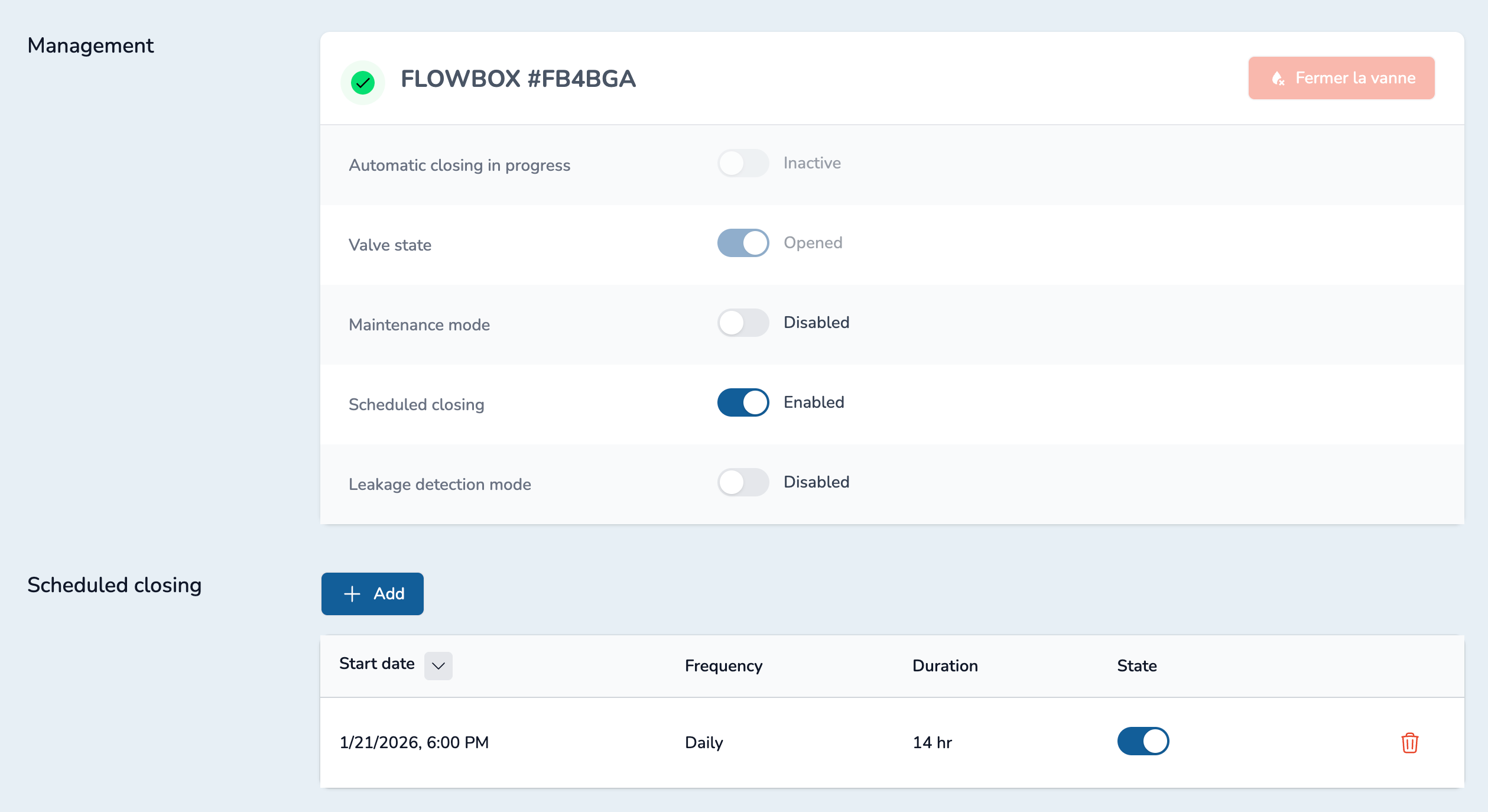
TIP
You can disable a scheduled closing by clicking on the state toggle.
When you no longer need your scheduled closing, you can delete it using the trash icon.