Maintenance Mode
When the mainteance mode is enabled, the following features are disabled so that you can intervene on the water network without side effects:
- Scheduled closing,
- Automatic closing,
- Alerts and related notifications (except the one related to the maintenance mode),
As a consequence, you can open/close the valve of the Flowbox as you expect.
If the maintenance mode last more than 30 minutes, an alert will be sent so that you don't forget to disable it once the maintenance is over.
Activation and deactivation of the maintenance will be logged in the Activites.
Activation from the WebApp
Go the the given zone, then on "Flowbox" Tab, and click on the toggle to activate the maintenance mode.
Maintenance mode disabled: 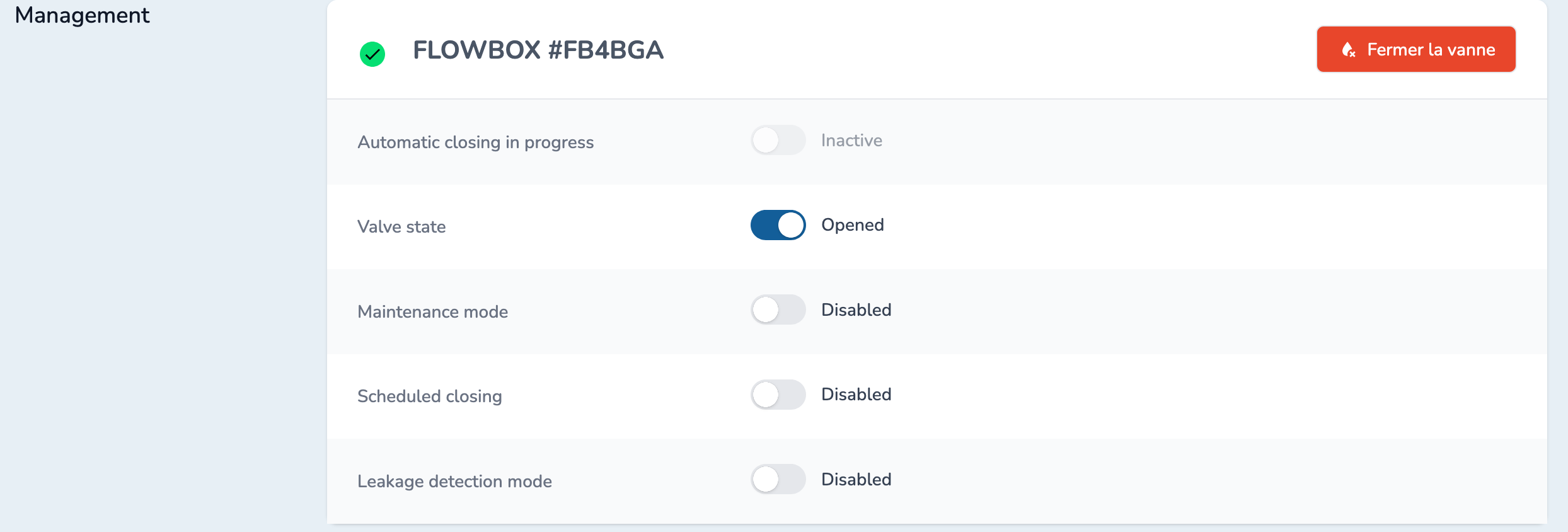
Maintenance mode enabled: 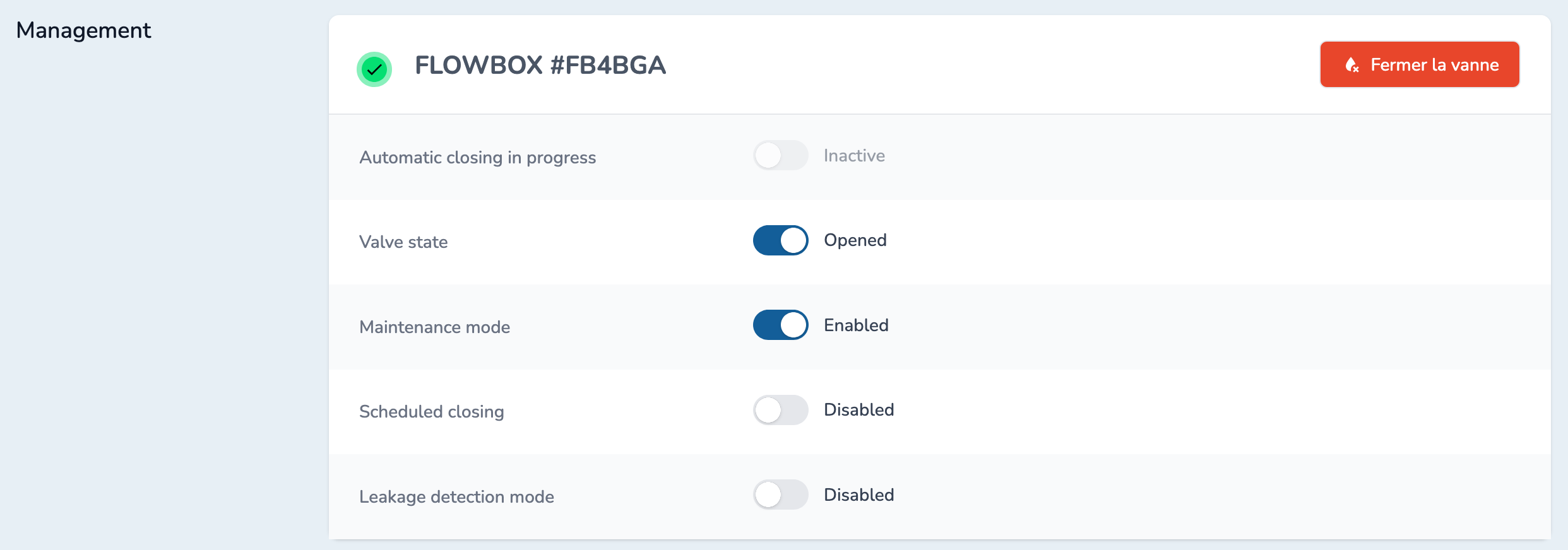
Activation from the Flowbox
If the user press twice the button on the Flowbox (two quick presses), it will close the valve and activate the maintenance mode.
To disable the maintenance mode, you must do it from the WebApp.